Client Registration
The local administrator needs to submit a request to register his client with Warwick EnteroBase by selecting “Register your Local EnteroBase Website” option from the first web page” or use this link “/register_client”
For security reason, a local log in dialog (Fig. 1) will pop up to allow the local administrator to sign in so no other user can use this option, the local administrator should input the password which he set during the system installation
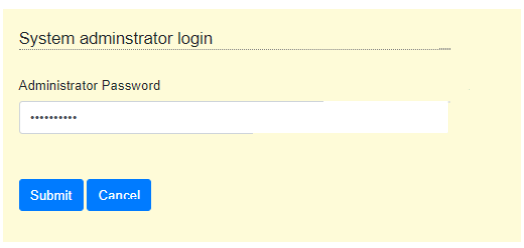
Fig 1 Local login Form
Then a registration form will pop up (Fig. 2), it is needed to provide your local website name, and URI (which needs to start with https://, e.g. https://myserver.com) and optionally a brief description. When the user selects submit, this information will be sent to Warwick EnteroBase and a conformation dialog contains the submitted details will pop up.
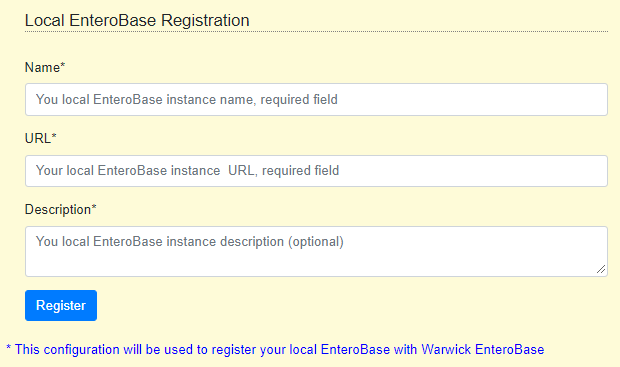
Fig 2 Client Registration Form
An email will be sent to the user (loal adminstrator) who registered the local instance, the email will contain a Warwick temporary token, it will be used to authorize “test uploading 100 files” from your local installation to Warwick EnteroBase and submit the results (uploading time) to Warwick EnteroBase. This test is a part of the registration process, and should be done once the local adminstrator received the token so the Warwick EnteroBase administrator can check the registration request.